Turn photos into memories
A few photos are enough. We’ll handle the rest. A beautiful memory video with music and transitions, in seconds. ✨
No account · No upload · Everything happens on your device
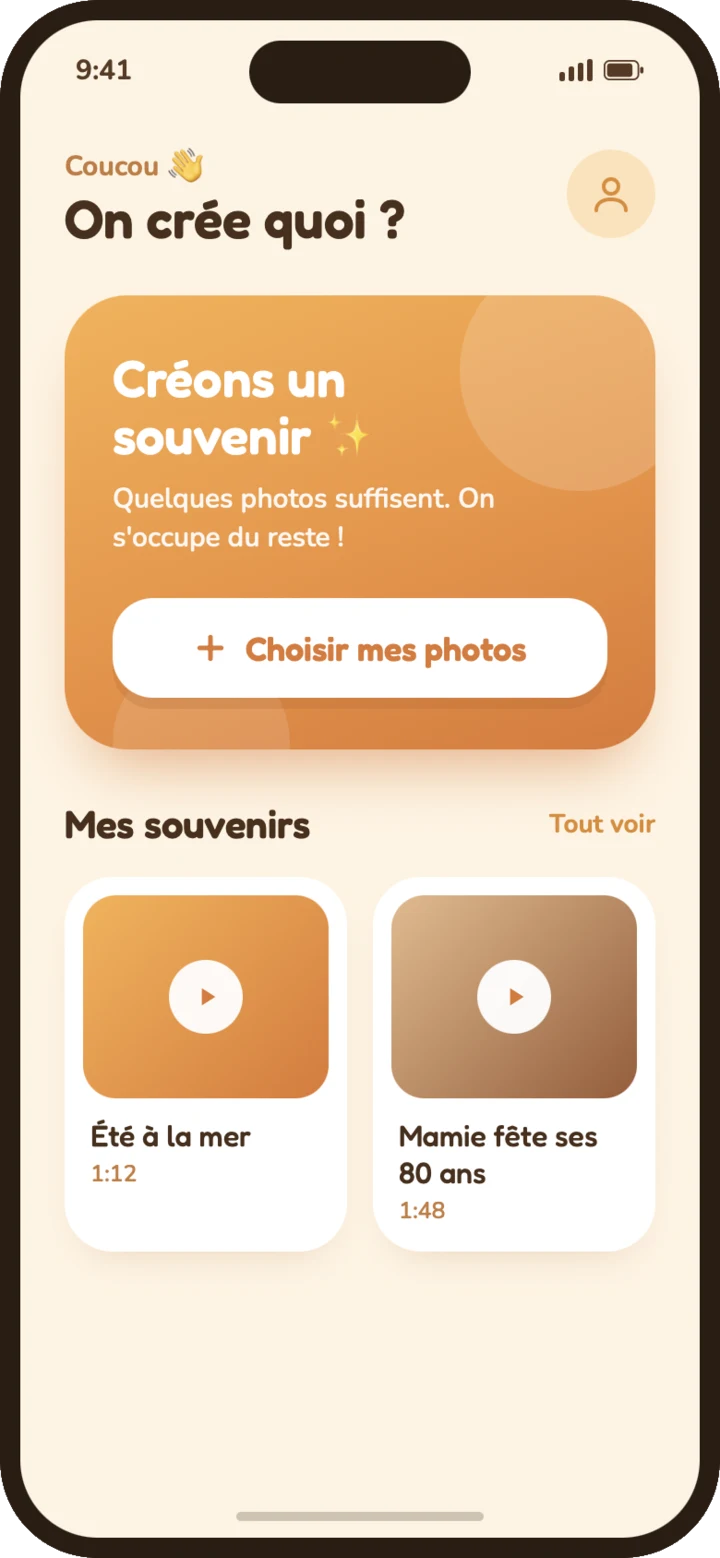
Crafted for beautiful memories
The care of a pro editor, the simplicity of a single tap.
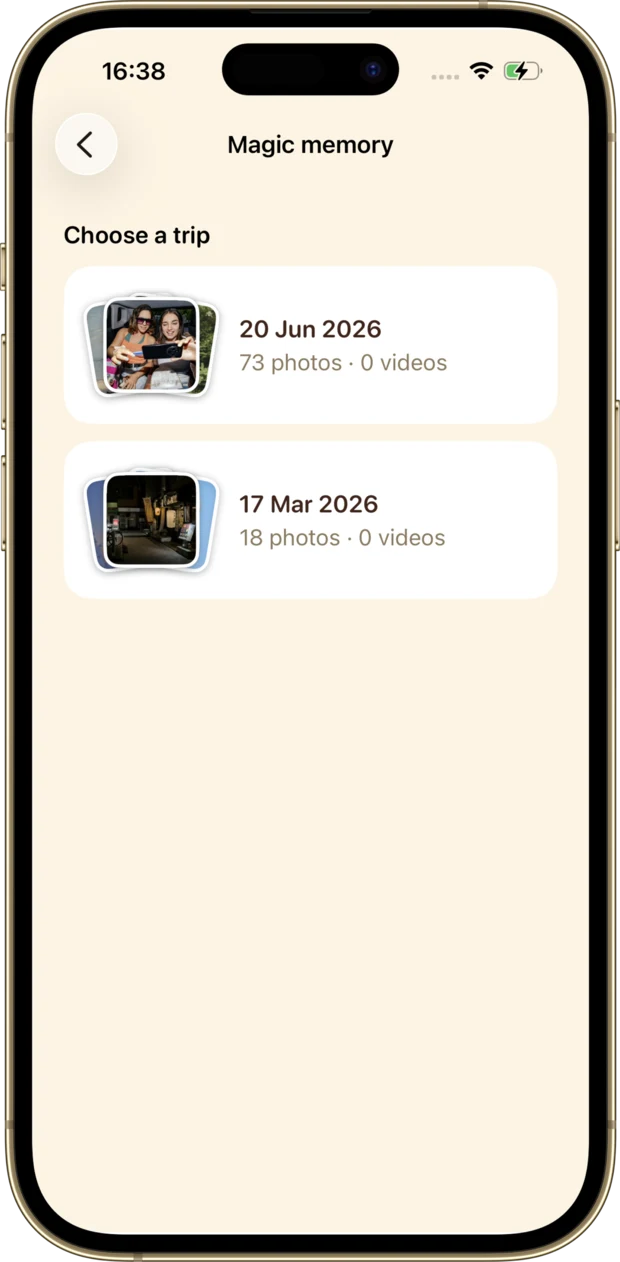
Automatic montage
Pick your photos and Souveneo handles the pacing, transitions and motion.
Smart selection
Faces are detected so the people you love stay perfectly framed.
7 moods
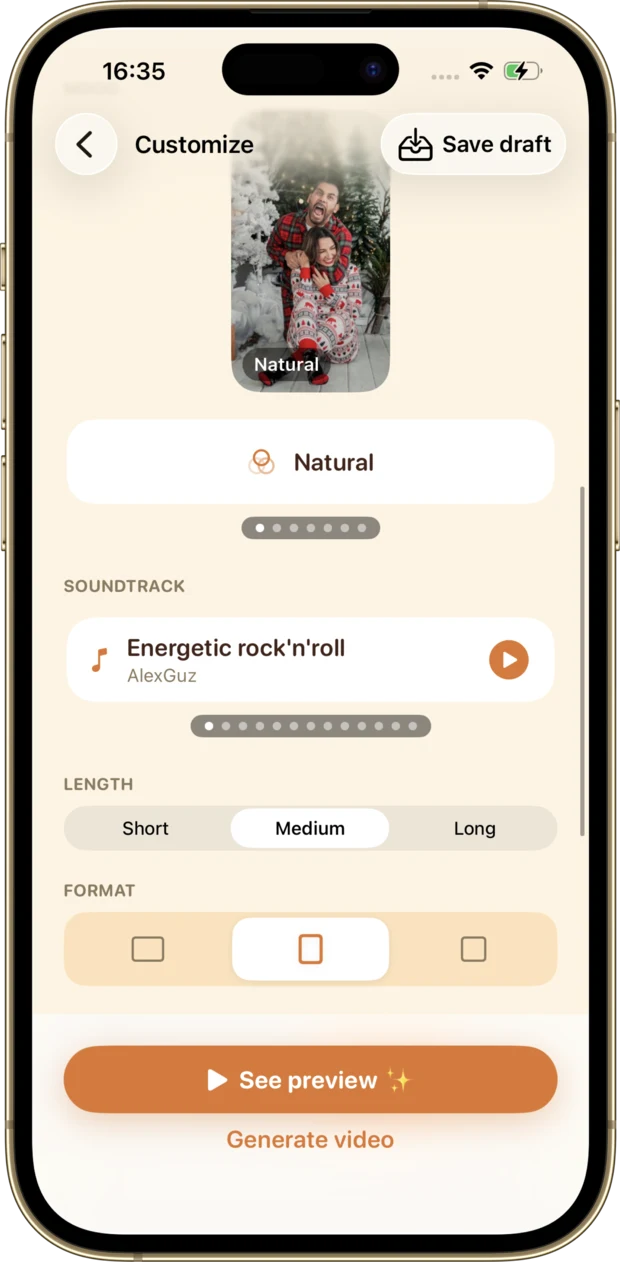
Natural, Classic, Warm, Film, Fresh, Mono, Vivid. One tap changes everything.
Transitions & layouts
Fades, slides, zoom, comic-style panels, grids and varied collages.
Music & formats
A fitting soundtrack with fade-out, in square, portrait or landscape.
100% private
No upload, no account. Everything happens on your phone, even offline.
A memory, in video
Here’s what Souveneo creates from a few photos (music, transitions and motion included).
Everything you need, nothing you don’t
Simple controls, results with real style.
A polished montage in seconds
Pick your photos and Souveneo handles the pacing, the transitions and a gentle camera motion. No skills required.
- Smart transitions: fades, slides, zoom, comic-style panels
- A gentle pan-and-zoom motion on every shot
- Built-in music with a smooth fade-out
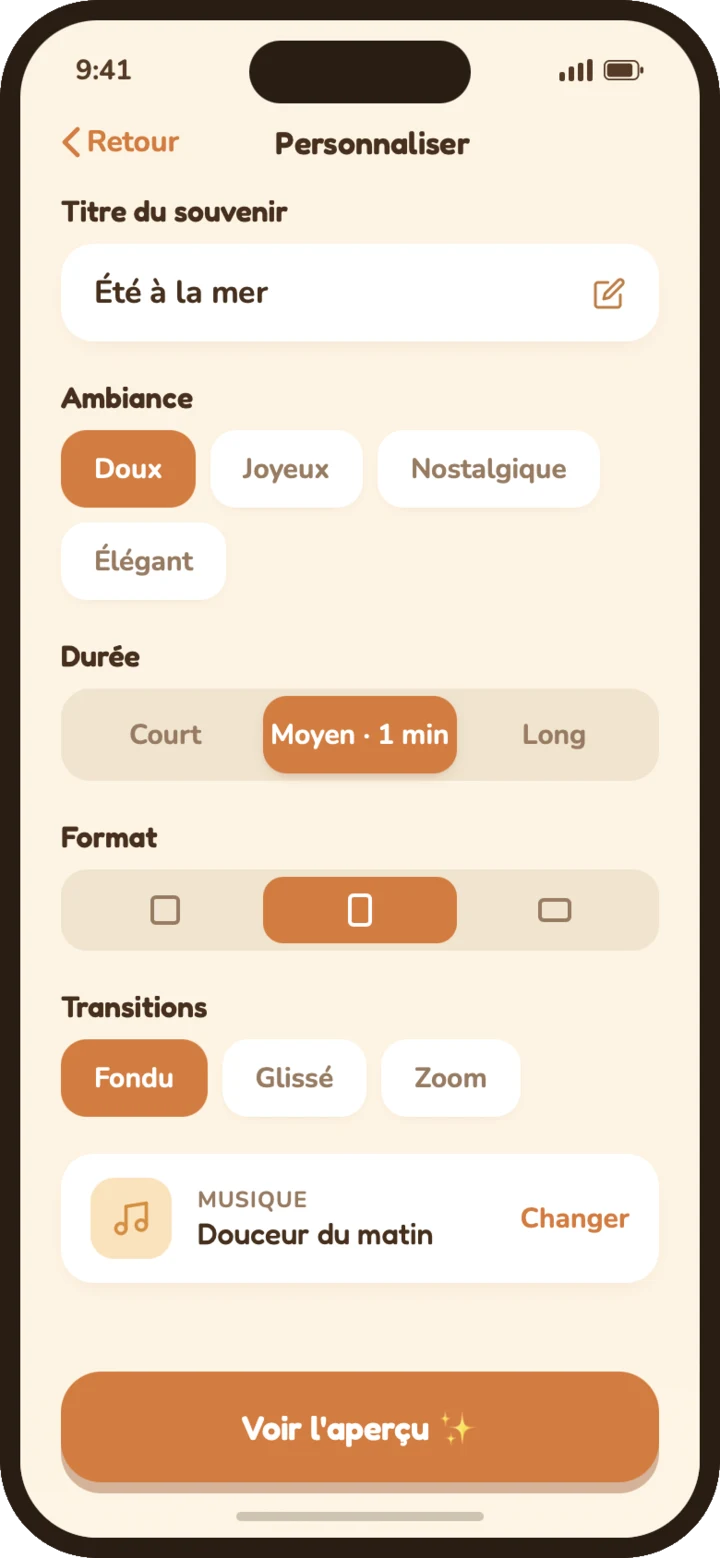
Moods, music and formats
Set the tone in a tap. 7 moods, a fitting soundtrack, and the format that fits wherever you share.
- 7 moods: Natural, Classic, Warm, Film, Fresh, Mono, Vivid
- Square, portrait and landscape formats
- Live preview with playback controls before you export
Face-aware selection
Faces are detected so the people you love stay perfectly framed, and your best moments take the spotlight.
- Face-aware framing keeps people centered
- Varied layouts: grids, columns, collages
- Transitions and collages tuned to your photos
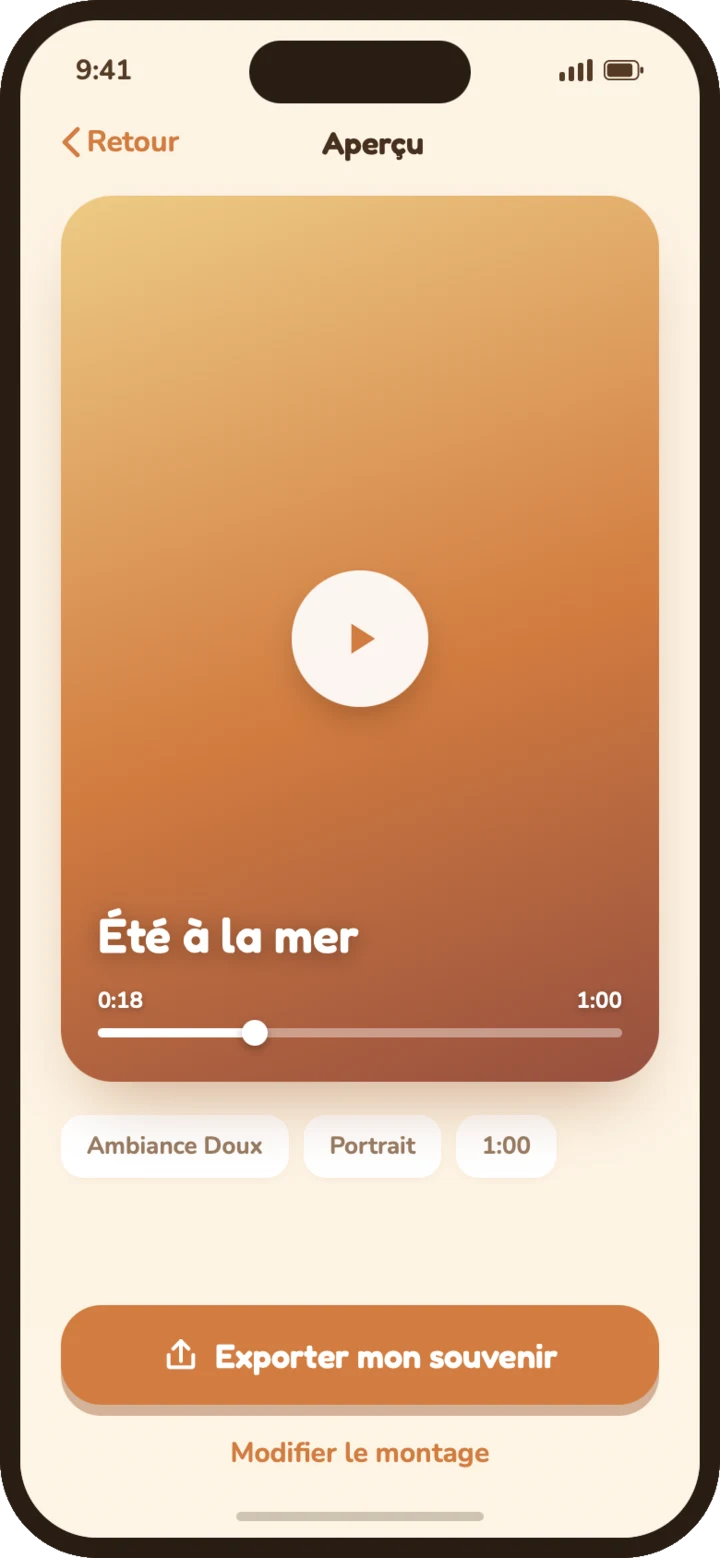
From your photos to your memory, in 4 steps
No editing skills needed.
- 1
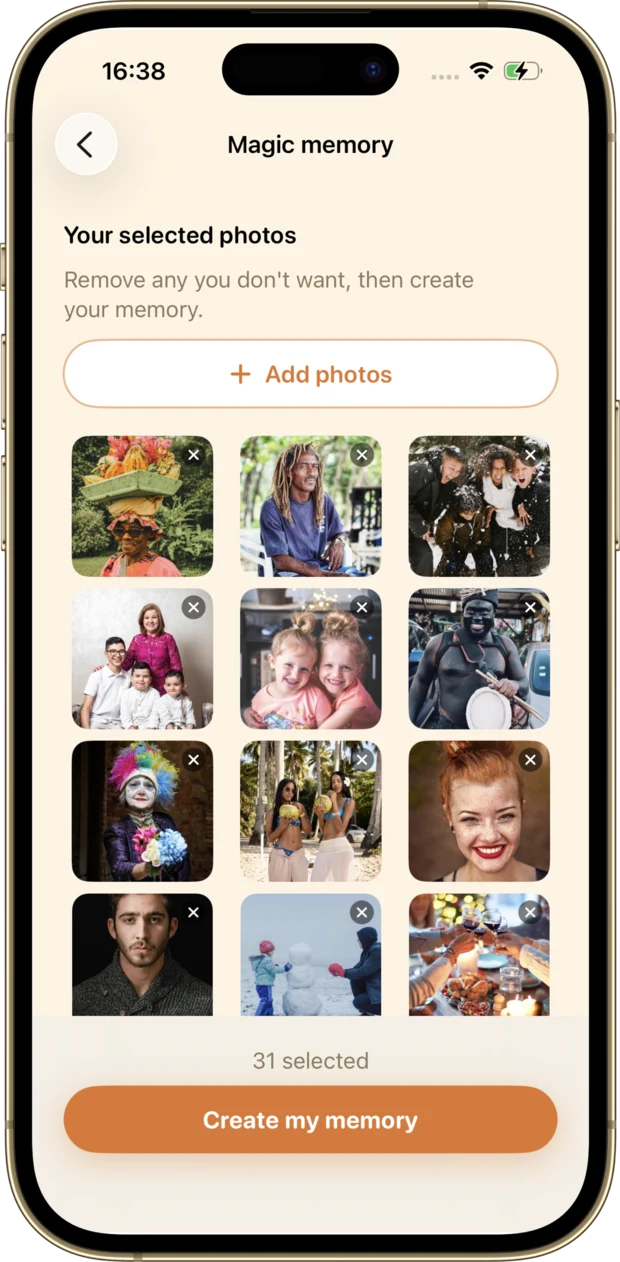
Pick your photos
Choose a few photos from your camera roll.
- 2
Customize
Mood, music and format, just the way you like it.
- 3
Generate the video
Souveneo builds the montage in seconds.
- 4
Revisit your memories
Your videos stay in the app, ready to share.
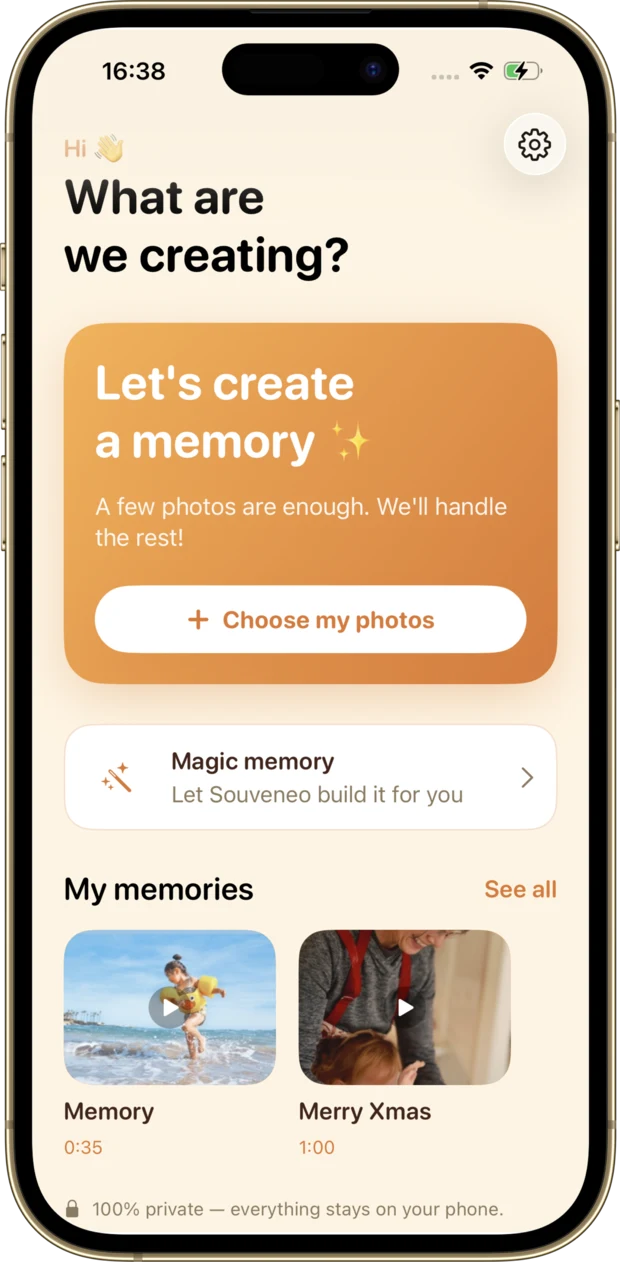
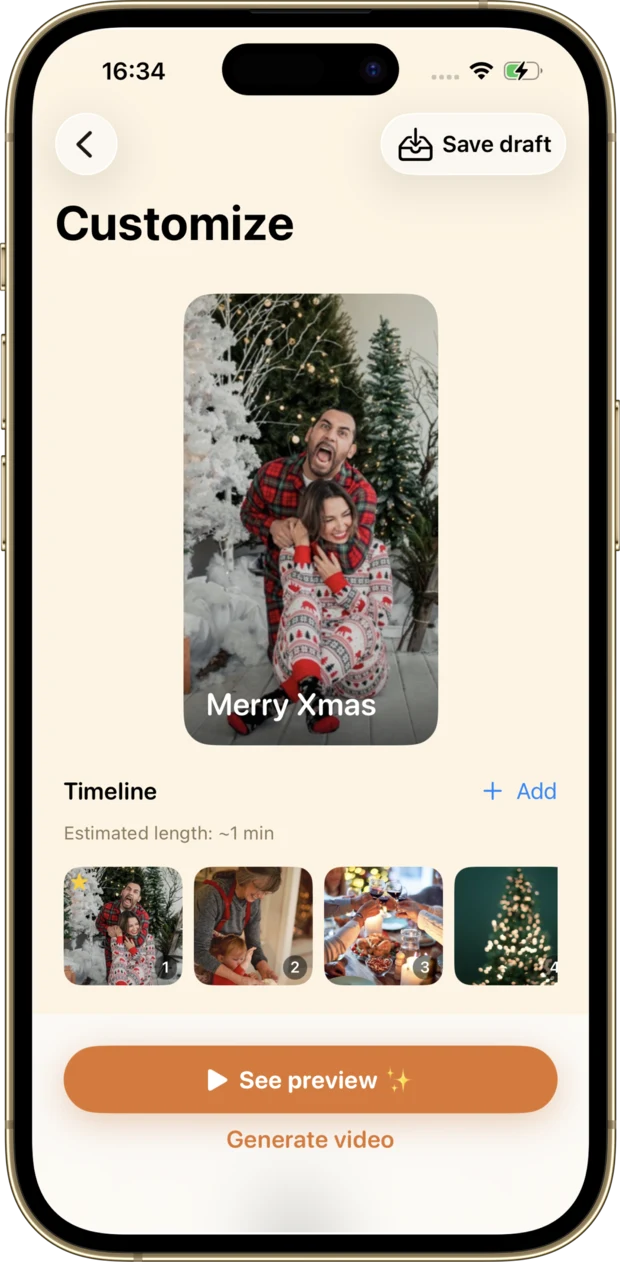
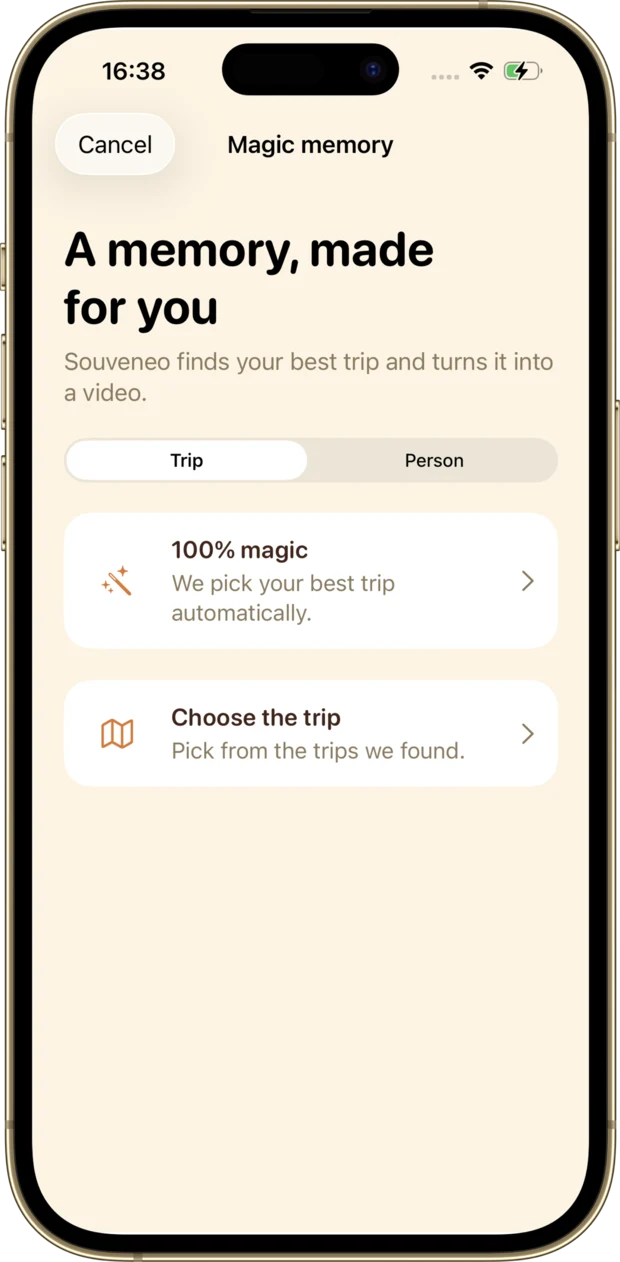
A seamless strip of memories
Scroll to explore the app, screen by screen.
7 moods for every memory
A single tap changes the whole atmosphere.
Full creative control
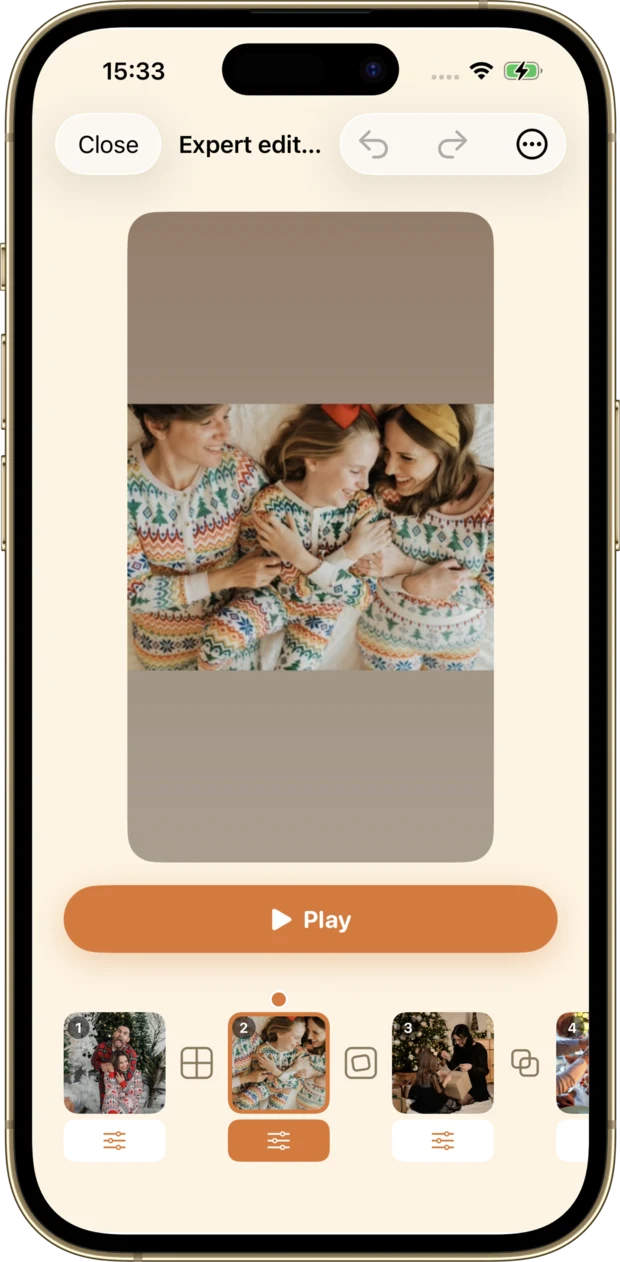
Want to go further? Switch to Expert mode and fine-tune your montage shot by shot, without losing any of the simplicity.
- Reorder, add or remove shots in the timeline
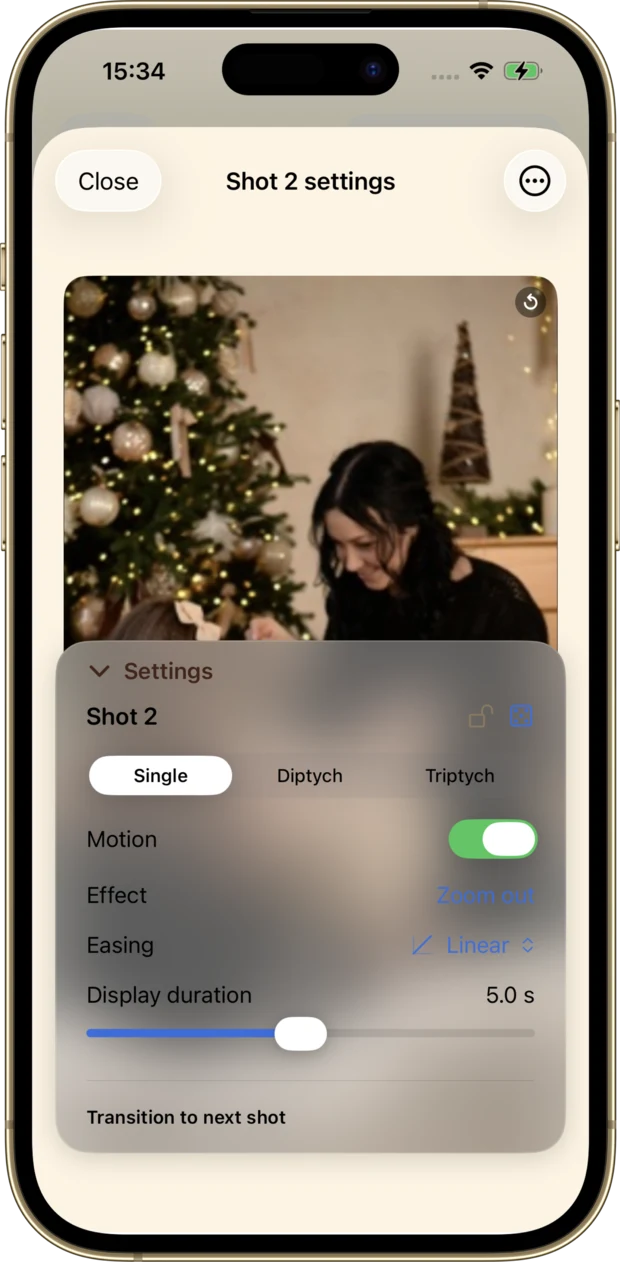
- Fine-tune each shot: motion, effect, easing and display time
- Choose transitions and collage layouts (single, diptych, triptych)
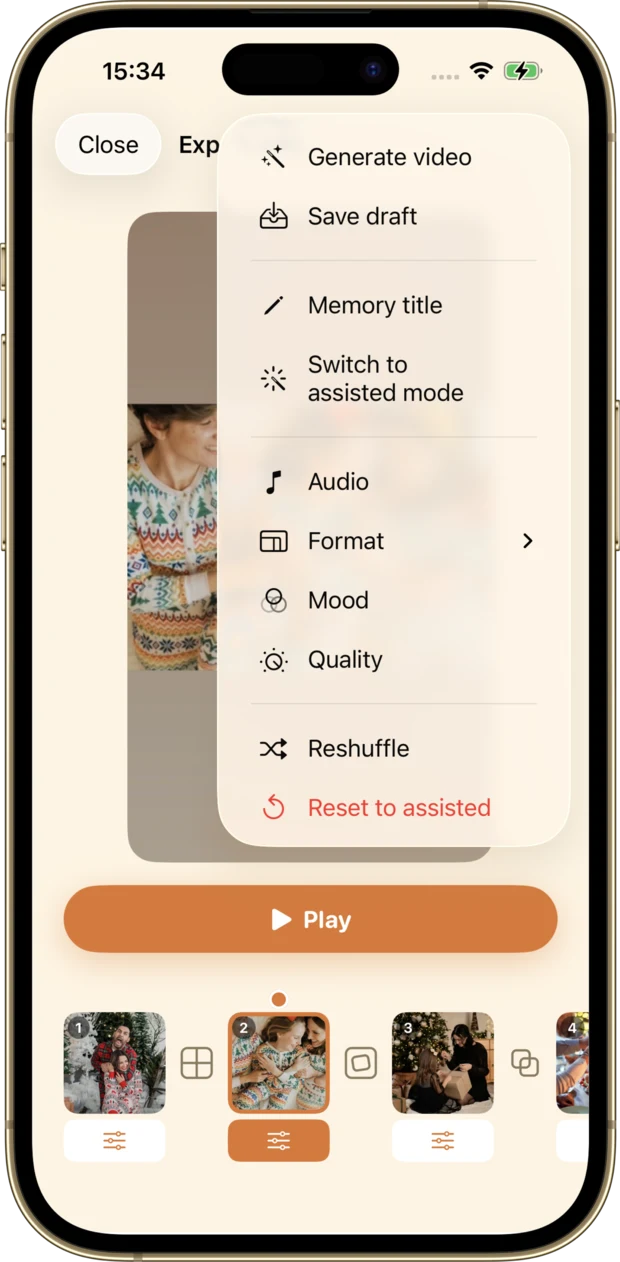
- Pick the soundtrack, format, mood and export quality
- Adjust the audio mix and reopen your saved creations
Souveneo and Memories in the Photos app
The Photos app already turns your memories into a movie. Here is what it lets you set, and where Souveneo hands the controls back.
| What you want to do | Photos, Memories | Souveneo |
|---|---|---|
| Get a finished montage without setting anything | Yes. Memories build themselves, or start from an album or a single day in your library. | Yes. One tap. The app picks the photos, the pace, the transitions and the music. |
| Create a video from a written description | Yes. With Apple Intelligence, describe the movie you want. Limited to iPhone 15 Pro and newer. | No. No text prompt. You start from your photos. |
| Choose the length | Partly. Three fixed lengths: short, medium, long. | Yes. Several lengths, plus the duration of each shot by hand in Expert mode. |
| Change the mood and the colours | Partly. A “look” applies one treatment to every photo. | Yes. Seven moods, switchable afterwards without regenerating. |
| Choose the music | Yes. Built-in soundtracks and Apple Music tracks, the full library with a subscription. | Yes. Built-in royalty-free music, with a smooth fade-out. |
| Choose the transitions | No. Transitions cannot be set. | Yes. Fades, slides, zoom, comic-style panels, and a per-shot choice in Expert mode. |
| Choose square, portrait or landscape | No. No format choice. | Yes. All three formats, picked before it generates. |
| Keep faces properly framed | Partly. Framing is automatic, with nothing to adjust. | Yes. Face detection, and a focus point you can drag by hand in Expert mode. |
| Rework the montage shot by shot | No. You add, reorder or remove photos. There is no timeline. | Yes. A real timeline: order, duration, motion, effect, transition, undo and redo. |
| Put several photos in one shot | No. One photo at a time. | Yes. Diptychs, triptychs and grids, with an adjustable split. |
| Set the export quality | No. Not adjustable. | Yes. Three qualities, from 720p 30 fps to 1080p 60 fps. |
| Save the video to your camera roll | Partly. Yes, but an Apple Music track has to be swapped for a shareable one first. | Yes. Yes, with no condition, and the video also stays in the app. |
| Where your photos are processed | Partly. On device. Some Apple Intelligence requests go through Private Cloud Compute, Apple’s servers, which keep nothing. | Yes. Entirely on device, with no account and no server, even offline. |
| Photos per video | Yes. No published limit. | Partly. Five on the free tier, 80 plus your videos with Premium. |
Compared on iOS 26.6, the public release of iOS in August 2026, from Apple’s own documentation. Memories change with every iOS release, so this table is dated and was verified on that version. Read Apple’s documentation
100% private. Nothing leaves your phone.
Everything happens on your device. Your photos are never uploaded, there is no account to create, and nothing ever leaves your phone.
No upload
Your photos stay on your iPhone, from start to finish.
No account
No sign-up, no password, no tracking.
Offline
Montage works without a connection, wherever you are.
Everything you’re wondering
And if you have more questions, just reach out.
Are my photos sent anywhere?
No. All processing happens on your iPhone. Your photos are never uploaded and nothing leaves your device.
Do I need an account?
No account, no sign-up. Install the app and create your first memory right away.
How many photos can I use?
Up to 5 photos per memory in the free version, and up to 80 photos (plus your videos) with Premium.
Does it work offline?
Yes. Since everything happens on-device, montage works without an internet connection.
Which export formats are available?
Square, portrait and landscape, to share best depending on the platform.
What is Expert mode?
An optional mode that gives you shot-by-shot control: order, motion, effect, transition, duration, music and export quality.
Create your first memory in seconds
A light, elegant alternative to the Photos app. Free to try.
Download on theApp Store